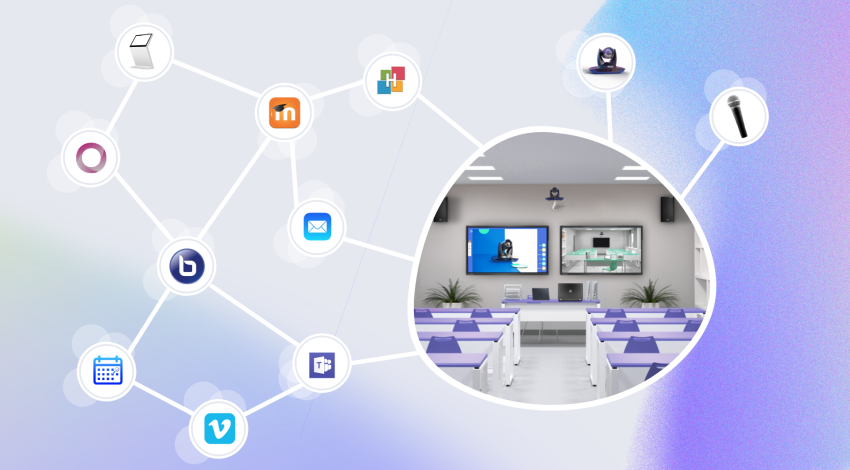
Automating the broadcasting process for a class is the first step toward successful hybridization. Many institutions turn to hybridization so they can train new audiences, or simply broadcast a class to their absent students. In this article, we’re talking about broadcasting a class from a room to remote learners. Hybridization is often associated with a simple video conferencing system, which isn’t well suited to the traditional classroom. In this article, we’ll describe purpose-built solutions, designed specifically for HyFlex teaching.
By automating the broadcasting of in-person classes, you simplify the digital transition for teachers, who then become more willing to embrace this change. Making capture, broadcasting, and sharing of a class easier becomes an essential step in developing your hybrid classes.
So how do you automate these broadcasts? In this article, we’ll go over the different solutions offered by Kalyzée.
To automate your broadcasting workflows, three key steps are needed:
Centralize the management of your different connected rooms so you can administer them remotely.
Integrate your institutional tools and platforms.
Define your teaching use-case scenarios.
First step: centralize room management
To automate class broadcasting, your rooms need to be connected outward, and their management needs to be centralized at the institution level. Here, two scenarios are possible: the institution is already extensively equipped with cameras, or the rooms still need to be equipped.
The rooms are already equipped
Many institutions equipped themselves extensively with capture systems during the Covid-19 crisis. Today, some are realizing they have very inconsistent equipment and hit a wall when it comes to standardizing how all of it is managed.
Kalyzée offers to interconnect all your rooms, whatever equipment is already installed, through the Kapture broadcasting platform. All equipment (cameras, microphones, screens, etc.) is centralized in a single remote management panel. That way, technical teams can monitor equipment status in real time without having to travel between different campuses.
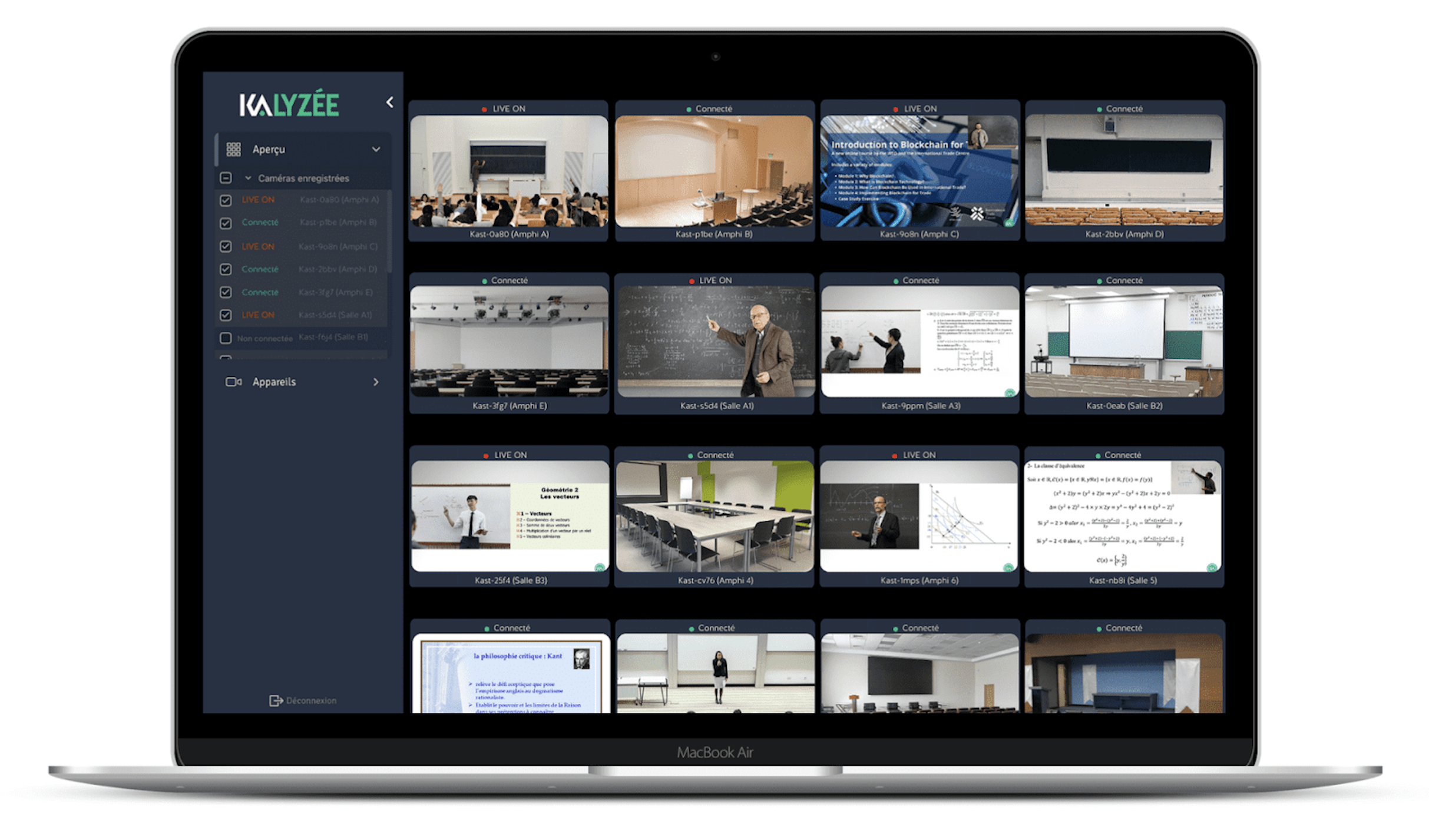
Equipping rooms with capture equipment
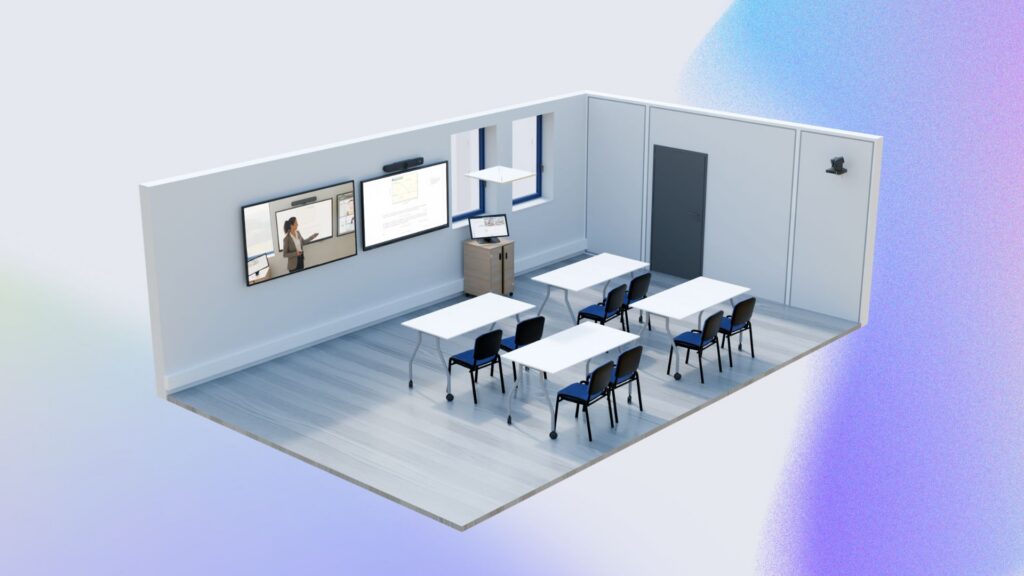
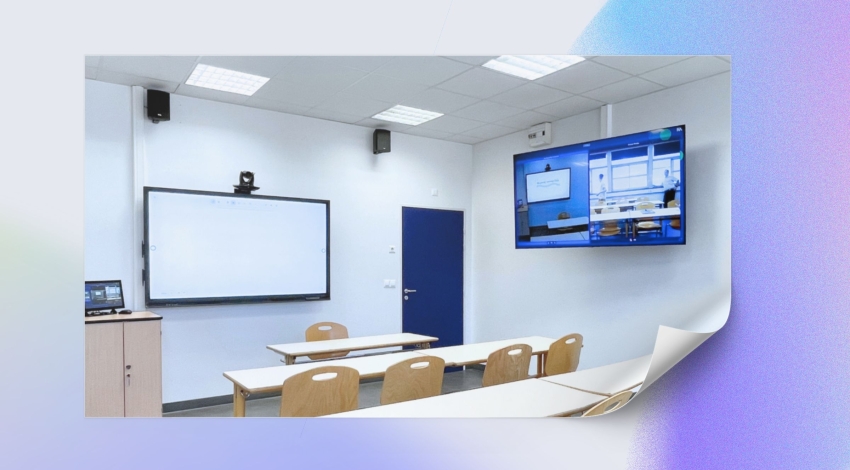
If you don’t yet have room equipment, don’t wait any longer! Head over to the ideal HyFlex classroom page to discover our equipment recommendations. Cameras, interactive screens, microphones — everything is covered here.
Second step: listing and integrating your institutional tools to automate broadcasting.
Once the equipment is integrated with Kapture, your rooms are ready for automated broadcasting. The final challenge is to define your teaching broadcast scenarios — in other words, to set the institution’s strategy in terms of hybridization. Which formats will be broadcast, where, when, how, and why? To do this, start by taking stock of all the tools used at the institution that are needed to broadcast a class.
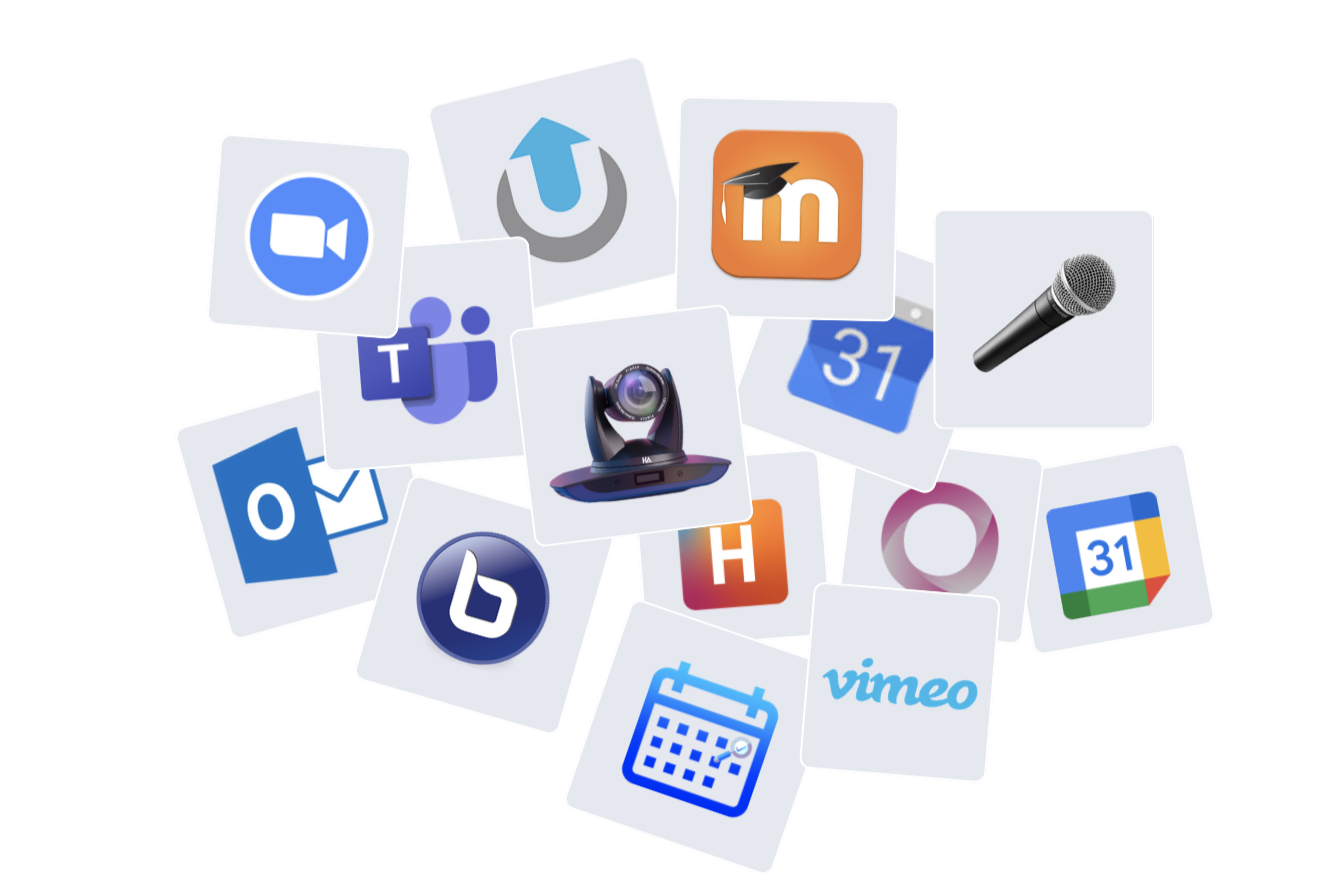
The broadcast channel (LMS, website, other)
Start by asking yourself which channel you want to share your content on.
For example, if your institution has a Learning Management System (LMS), the ideal is to broadcast your videos within the corresponding course activity. You can also choose to share videos directly on a dedicated video platform (POD, Vimeo, Momindum, etc.), or on your e-learning platform.
Where do you want your learners to go to watch the videos? Don’t confuse this with the hosting (storage) and live broadcasting platform. It’s entirely possible to watch a live stream hosted on Vimeo directly from the LMS, for example.
Video platform for live broadcasts
For the live broadcasting part, you have two options: live streaming or video conferencing.
Streaming has the advantage of using less bandwidth, since fewer simultaneous video feeds are broadcast. That said, for latency-free broadcasting and to ensure interactivity, we recommend using Ultra Low Latency technology. Live streaming also offers the option of “coming up to the board”: a learner can turn on their camera if they want to speak up.
To learn more about the differences between the two, we recommend the article: Streaming or video conferencing: how should you broadcast your remote training?
If you’d like to do your live broadcasts through video conferencing, you just need to connect your video conferencing tool to the ecosystem to automate the connection to the room’s equipment. The goal is to avoid any manual cabling or setup at the start of class.
VOD video broadcasting platform, hosting
If you’d like to make your classes available to your learners asynchronously, a video hosting platform will be needed.
Note: video platforms (live and VOD) aren’t necessarily the interfaces you’ll share with students. These platforms exist to manage video storage. You can absolutely integrate them into your LMS, for example. That way, you won’t need to use a multitude of different interfaces.
The calendar, your room manager
Finally, the room booking system you use needs to integrate seamlessly with the connected-room ecosystem you’re building. It’s from this institutional interface that you should be able to schedule a capture.
You might also want to add other tools, such as email, to send a summary or the broadcasts directly by email. You could also consider integrating interactive tools, such as a quiz app, for example.
Add them to your list, so you can integrate them in the next step: creating your teaching use-case scenarios.
Step 3: creating teaching scenarios to automate broadcasting
What exactly do you want to do? Now define your ideal automatic broadcasting scenarios.
Example: automatic broadcasting and rebroadcasting of lectures on the LMS
At the start of the year, a course unit is designated as hybrid. All classes will be broadcast live on the Moodle platform. Learners can choose to follow it remotely or in person, either synchronously or asynchronously.
In this case, the administration books the class time slots and adds them to the year’s schedule. One or more equipped rooms are selected, and broadcasting and recording are enabled. And that’s it, you’re done!
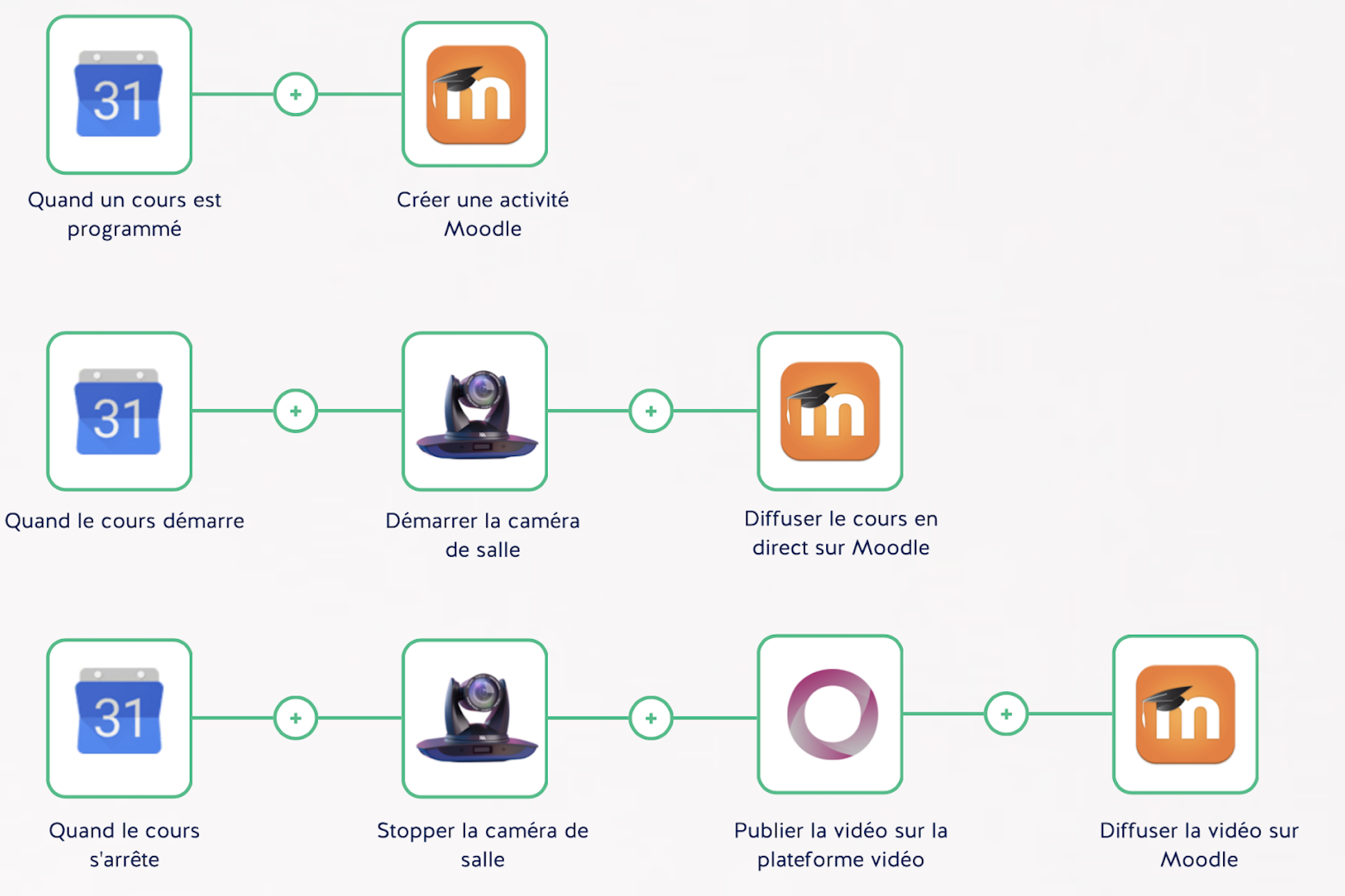
Possible broadcast automation: calendar, room, platform, LMS
In practice:
The teacher can deliver their class as usual. As soon as they arrive in the room, all the equipment starts automatically (camera, screen, microphone). The video is automatically broadcast on the platform and shared on the LMS.
Learners access the live class from the LMS. They’re authenticated, and the class is shared only with enrolled students. They can interact with the in-person class.
Once the class is over, the recording is stored and automatically made available, still displayed within the LMS.
Kalyzée supports you through every step of your hybridization projects — don’t hesitate to contact us!