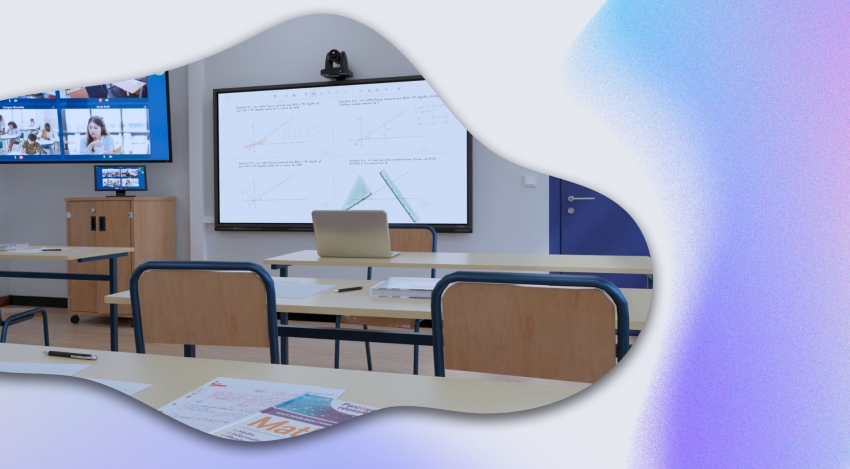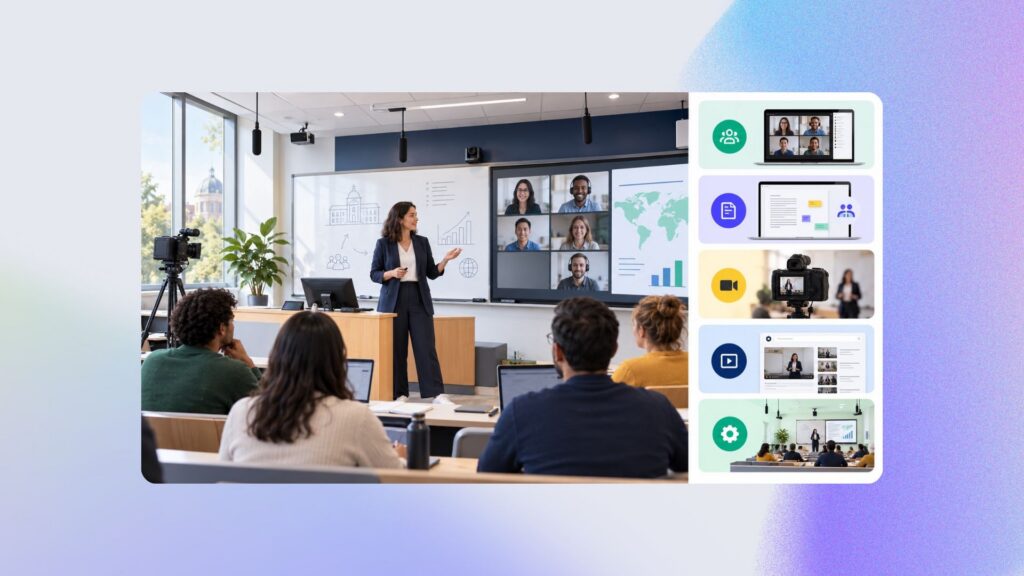
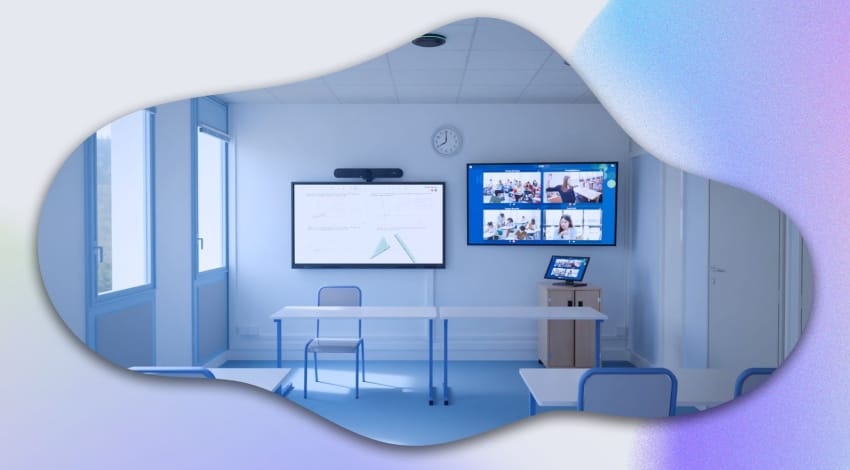
The hybrid classroom should make it possible to seamlessly combine in-person and remote teaching. It’s a teaching method in which some students physically attend classes in the classroom, while others take part remotely online, at the same time. All participants, whether present or remote, are able to see the class and interact, ideally with every other participant. Sounds great, right? But…
How many times have you actually tried to connect to a hybrid classroom or lecture hall, only to give up? Can we really call it “seamless” when remote learners are neither seen nor heard by the rest of the class? Are there any purpose-built solutions, designed for teachers, to deliver hybrid classes without needing a computer science degree?
Well, it turns out there is: the TRULY high-quality hybrid classroom. And that’s exactly what we’re going to look at together now.
Essential equipment for a hybrid classroom
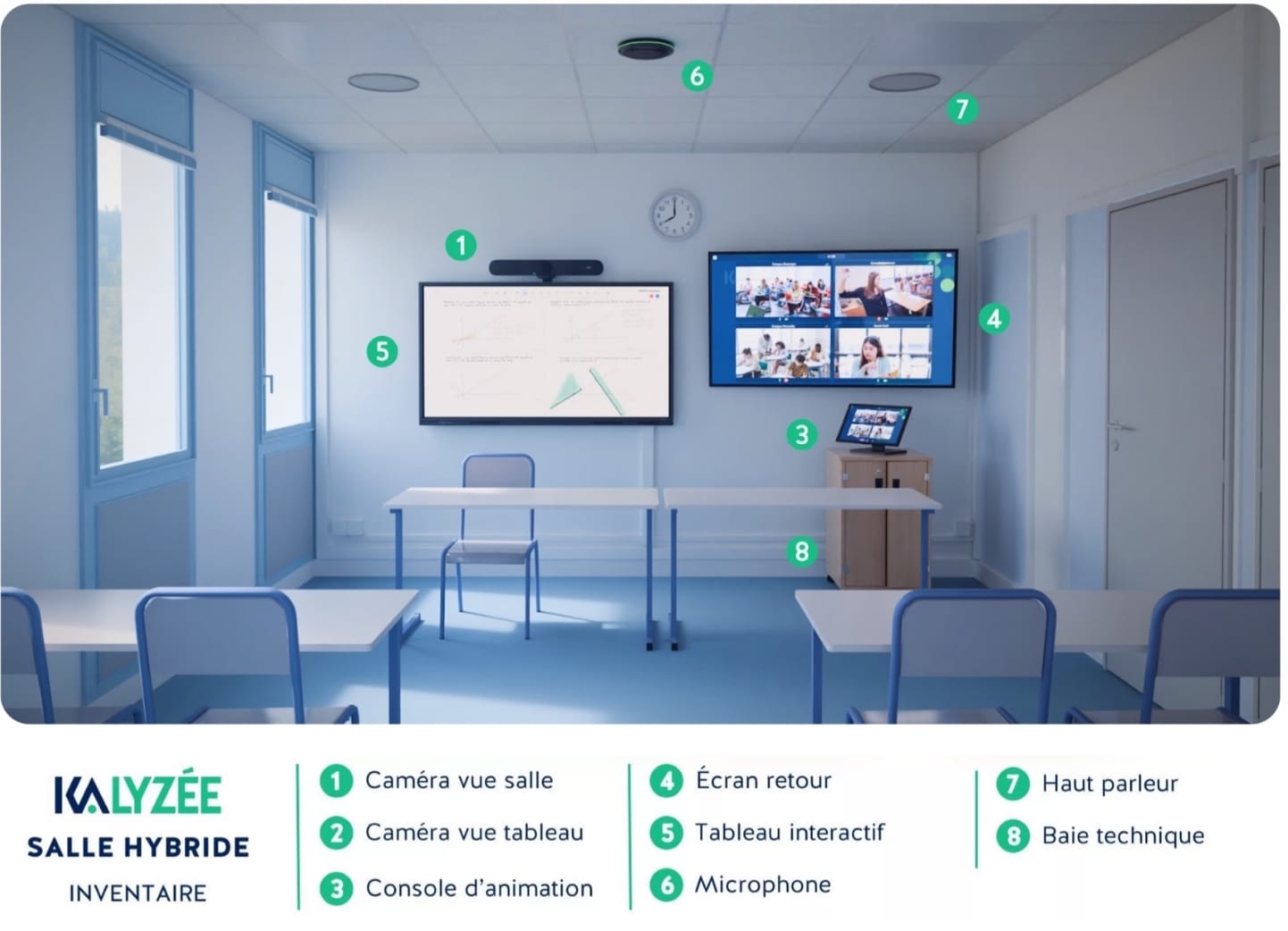
High-definition & multi-view cameras
To make sure remote students can follow along effectively, installing a good-quality camera at the back of the room is non-negotiable. Ideally, two cameras are installed in the hybrid classroom, to broadcast both the teacher and the students present in the room. That way, in-person/remote interaction is maximized, not just with the teacher.
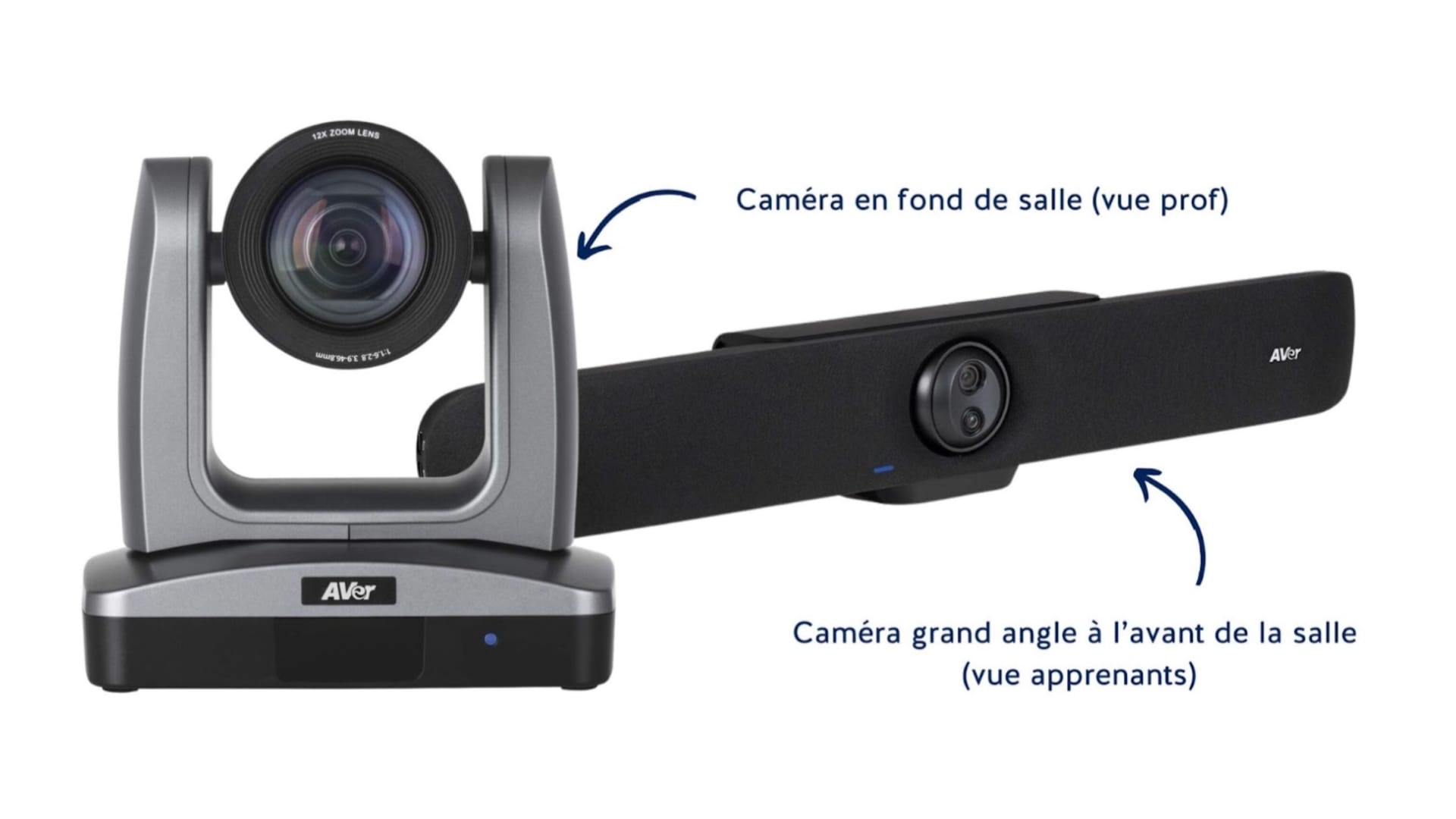
HD camera recommendations from our experts:
AVer PTZ310N camera
AVer VB350 wide-angle camera
Interactive screens
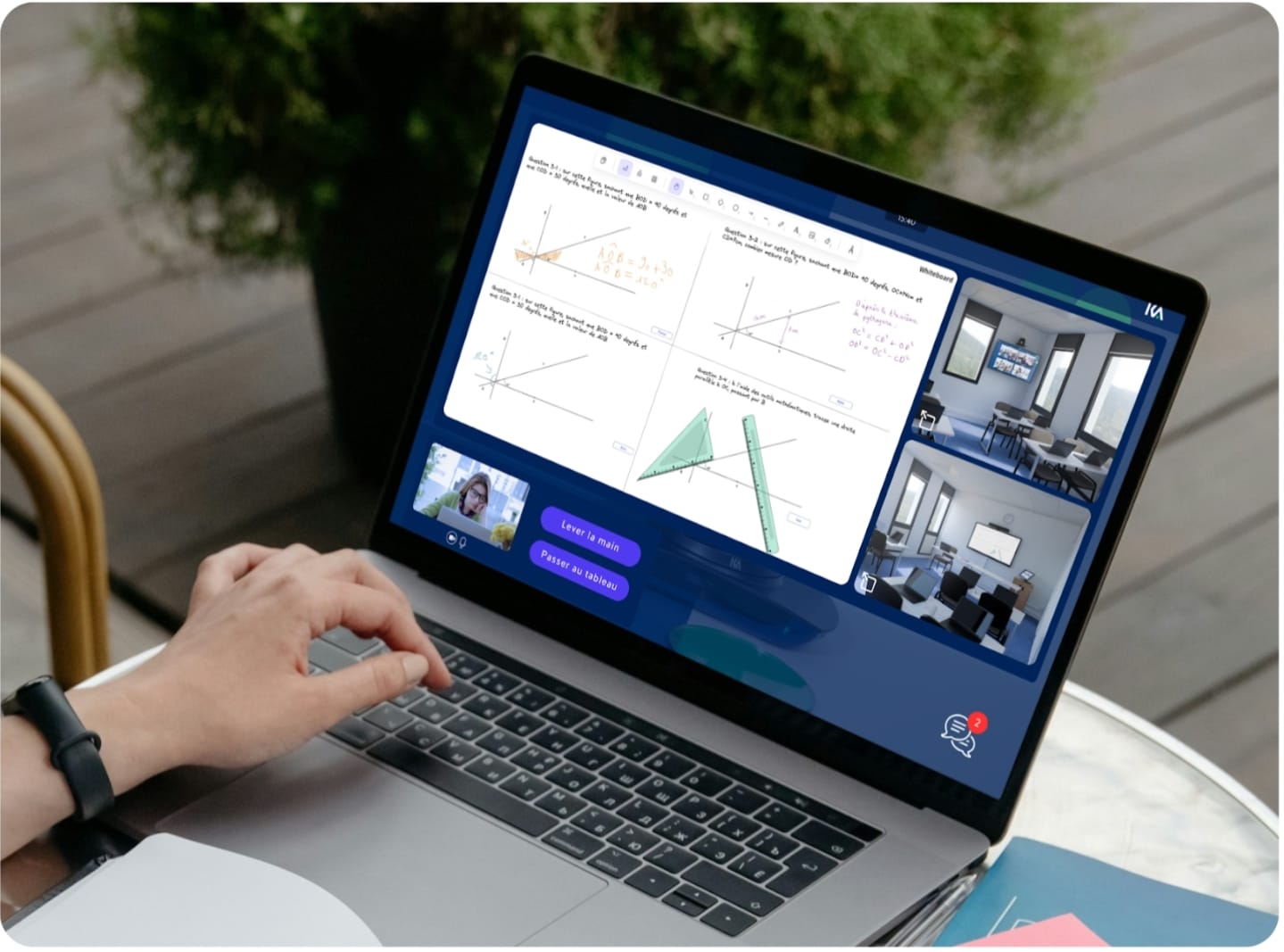
Using an interactive board makes it possible to replace both the traditional blackboard and the projector. This board is essential for sharing course materials, annotating them, and writing on the board — but above all, in hybrid mode, it’s shared synchronously and digitally with remote learners. Some whiteboard apps, like Kalyzée’s, even let remote learners take remote control of the board to “come up to the board,” present content, and more. The goal is interaction and participation just as smooth as in person.
Interactive screen recommended by our experts: 65″ NEWLINE TT-6523QA interactive screen
Microphones and speakers
A quality sound system is essential so that all participants, present and remote, can hear and be heard. Strategically placed ceiling microphones and speakers ensure complete audio coverage. Current ceiling tile technology costs between €2,000 and €5,000 and can be optimized for the best possible capture across the whole room. Software improvements make it possible to reduce background noise, fully cancel echo, and more. To simplify installation and reduce cabling-related issues, we recommend using recent, fully digital systems.
DANTE audio recommendations from our experts:
Sony MAS-A100 Beamforming Microphone,
RJ45, Biamp FBIATTCMXABK, PoE, 13 W;
SHURE MXA920AL-R Ceiling Tile,
SHURE MXN5WC pair of recessed ceiling speakers,
MSE FSOUIPDSM52WXBK pair of speakers
Touch console for managing the virtual classroom
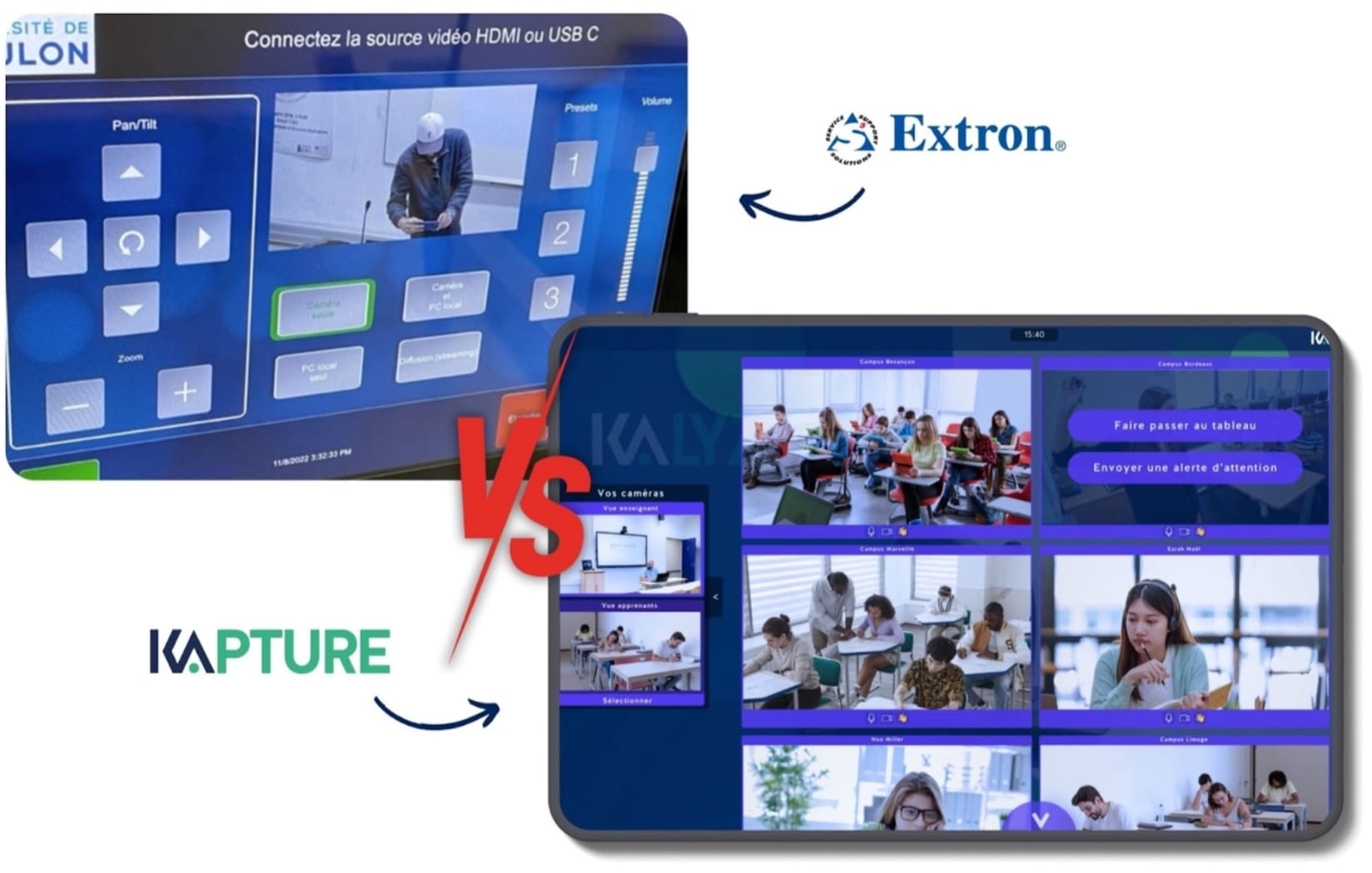
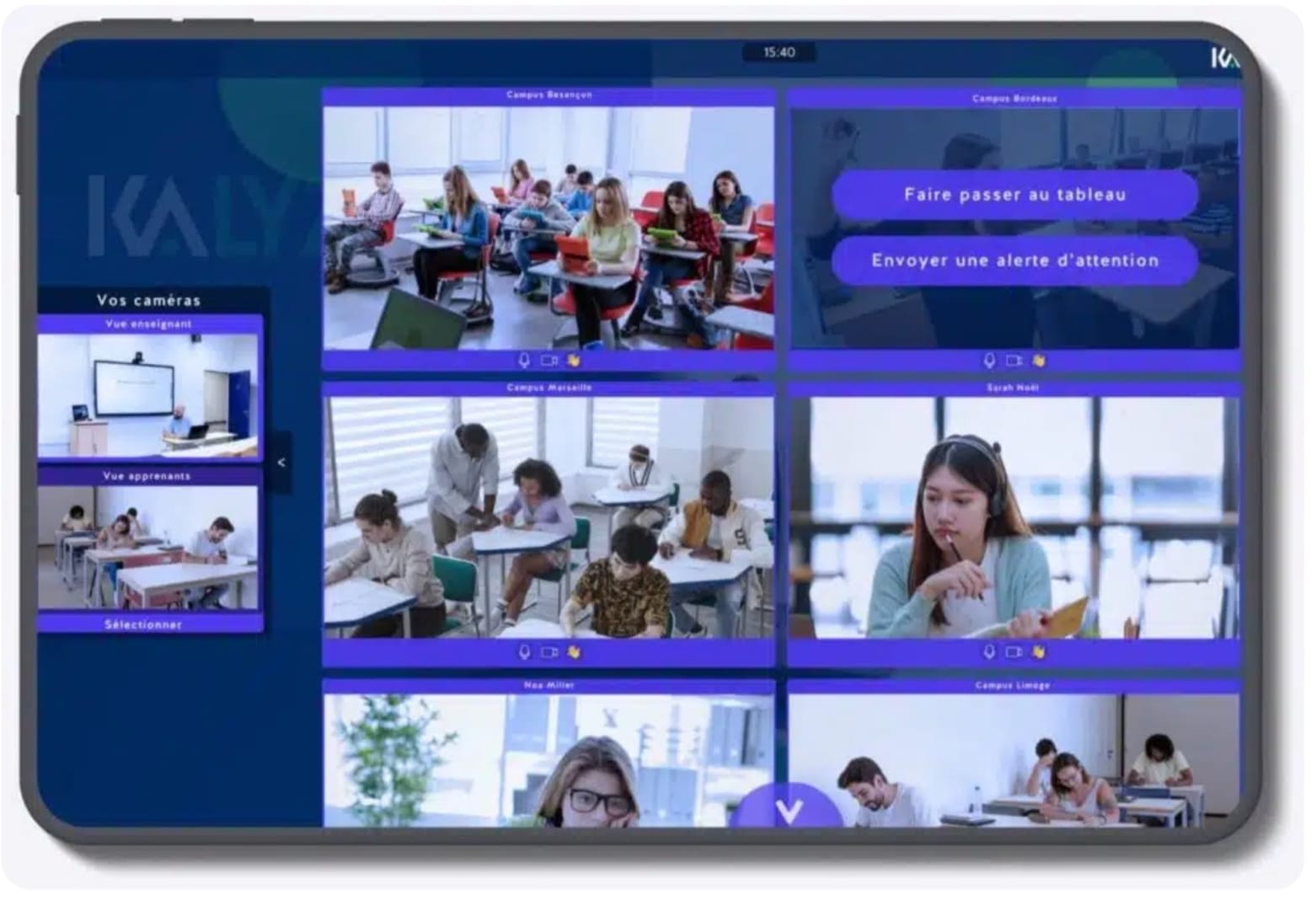
The whole hybrid classroom needs a control interface in the room: a touchscreen from which the teacher joins the virtual class, and that’s it! It’s essential to go with simple interfaces designed specifically for teachers. Forget technical jargon that most people can’t understand, a maze of buttons, and every kind of cable. In a truly hybrid classroom, the interface shows a live preview of the class, along with the remote rooms or learners, and ONLY the teaching features that matter: coming up to the board, creating a poll, assessing students…
Two confidence monitors
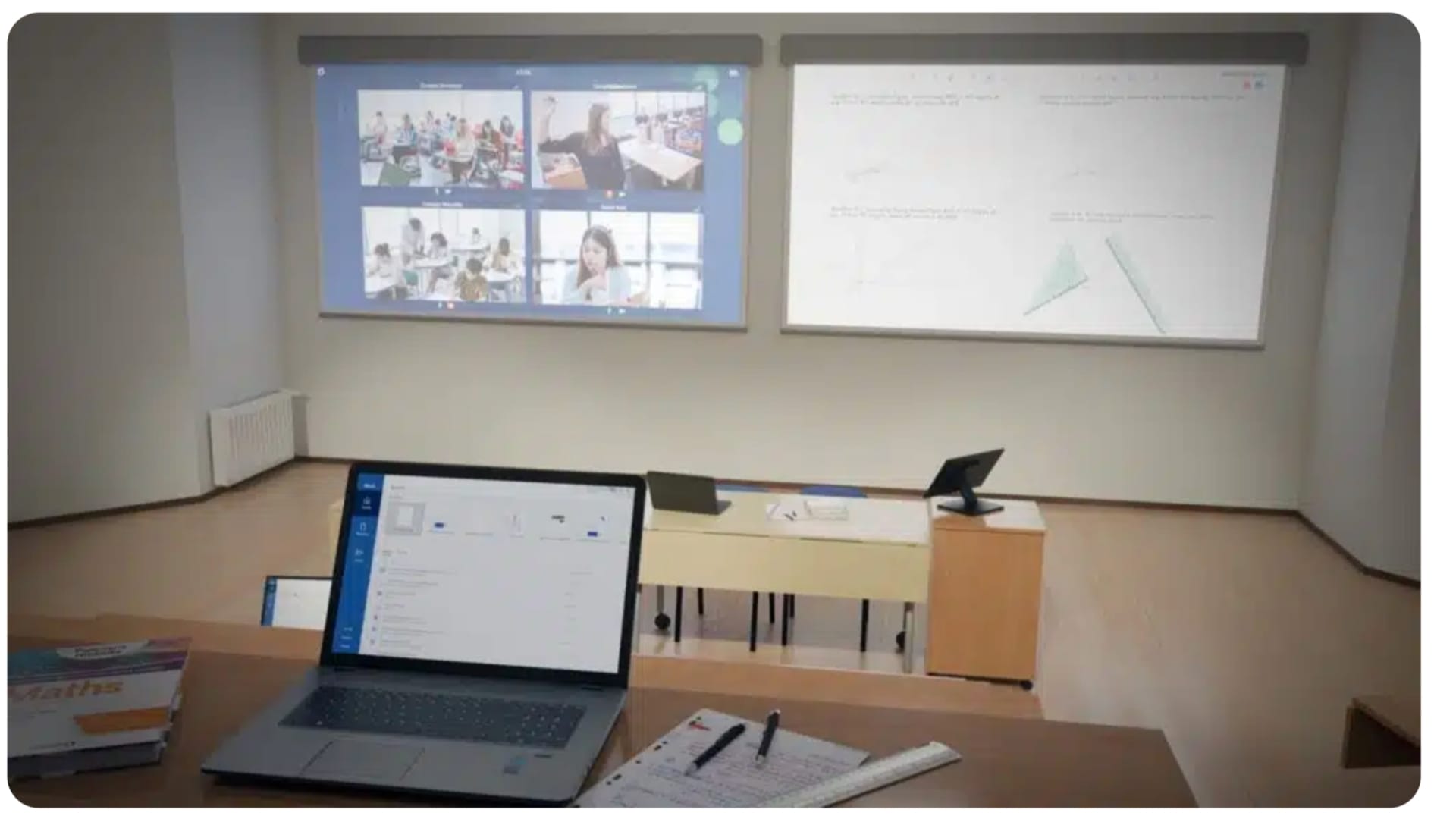
Finally, to make it easier for people in the room to see remote participants, it’s recommended to install two confidence monitors:
One screen at the front of the room
One screen at the back of the room
Sizes range from 27″ to 65″ depending on the room’s size, providing a clear, direct view of interactions with remote learners.
Need help with your hybridization project? Kalyzée supports you from A to Z.
Collaboration software for hybrid learning
Live broadcasting software: video conferencing isn’t the best fit!!
Video conferencing platforms such as Zoom or Microsoft Teams are often suggested for hybrid classrooms. Originally built for meetings, these platforms are better suited to one-on-one exchanges, not really to a full classroom. If you do go with a video conferencing system, it’s also recommended to avoid American solutions, which are often lacking when it comes to data protection. In France, Big Blue Button (BBB), an open-source platform widely used in the public sector, is an alternative, although it’s not ideal in terms of usability.
Dedicated class broadcasting software: Kapture
Kapture software streams the video feeds from the hybrid classroom live through a live-streaming system, which considerably improves audio and video quality compared to video conferencing. What’s more, the Kapture interface, built specifically for hybrid classrooms, is optimized for “plug and play” use, making it extremely easy for teachers. Beyond broadcasting, Kapture orchestrates and controls all the room’s equipment for automated virtual classes: startup, publishing, recording — everything is automated for the trainer.
Teaching software and tools: interactivity, assessment
Whether in person or remote, it’s important to keep students engaged throughout their training. Remotely, it’s even more essential. Many tools make it possible to move from simple top-down knowledge transfer to active learning, with impressive long-term results.
Managing educational content: the LMS
Using a Learning Management System (LMS) such as Moodle or 360Learning makes it possible to centralize educational resources, assignments, and assessments, giving all students easy access. Beyond synchronous virtual classes, the LMS holds all the digital resources and content to study, whether in or outside of class. To help guide your choice of LMS, follow our K@FÉ break tips! ⬇️
Laying out the hybrid classroom
Room layout
The room layout needs to allow smooth movement and enough space for students and teachers to interact freely. Screens and cameras need to be positioned so they’re visible from every angle. Confidence monitors in particular should be positioned at the front and back of the room, and their size needs to be matched to the classroom’s size.
Accessibility and inclusivity
Technology needs to be accessible to all students, regardless of their level of tech skills or physical abilities. Features such as touchscreens and intuitive user interfaces play a crucial role in improving accessibility. For teachers, it’s just as important to make the equipment simple to use. Settings, cabling, and buttons need to be kept to a minimum, to keep the focus on teaching. Technical jargon reserved for audiovisual professionals should be avoided, to make it easier for everyone to get up to speed and to encourage adoption of the technology.
The hybrid classroom represents the future of education, seamlessly blending in-person and remote teaching. By combining high-quality equipment, effective collaboration software, and a well-thought-out layout, it’s possible to create learning spaces that are flexible, inclusive, and TRULY engaging, even remotely. As you can see, the ideal hybrid classroom is something we can help you build.