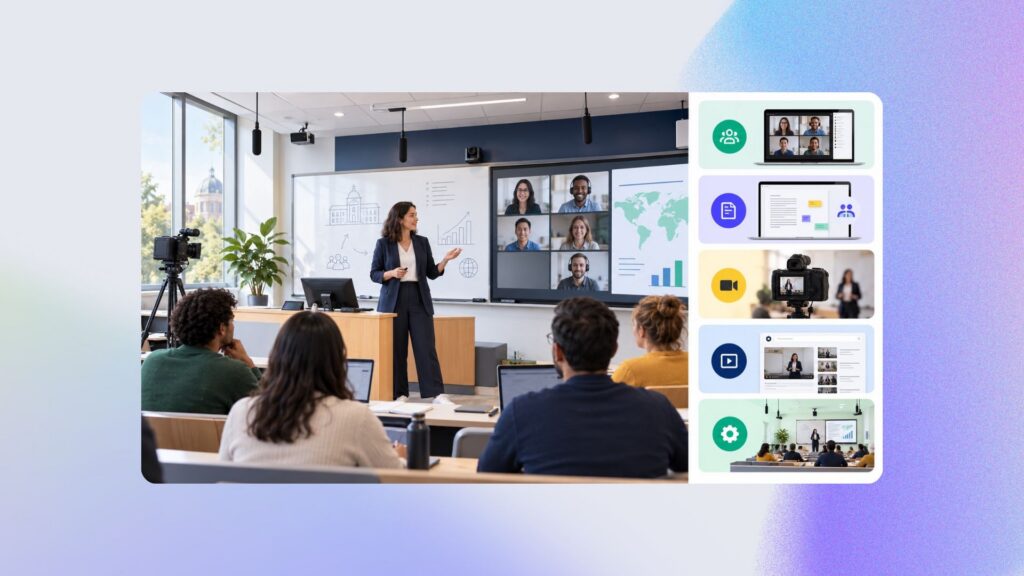
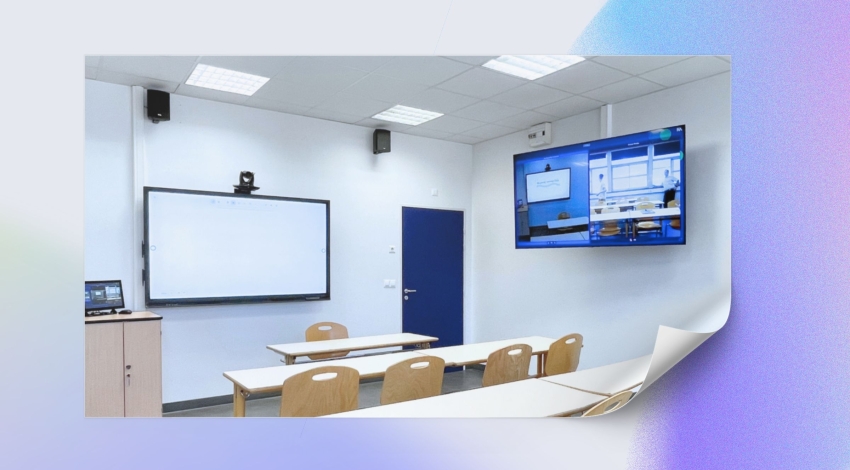
The era of digital education has revolutionized how classrooms are designed, calling for suitable hybrid classroom equipment. This article explores the key components for creating an optimal blended learning environment.
By hybrid class, we mean a mix of in-person and remote attendance. Some learners are in the room with the instructor, while others follow the class remotely, from their computer or from another campus, for example.
1. Advanced audiovisual system: a must for hybrid classroom equipment
In a room used to deliver a hybrid class, a quality audiovisual system is essential. It includes HD conference cameras, ceiling microphones for clear audio capture, and an interactive projector or touchscreen for dynamic visual presentation. Built-in speakers and audio amplifiers round out the listening experience.
The importance of the sound system in hybrid classroom equipment
The sound system is essential in equipping a hybrid classroom. It ensures that communication is clear and intelligible, both for participants in the room and those attending remotely. If your budget allows, don’t hesitate to go with a ceiling tile microphone system, which will faithfully pick up voices from across the entire room while reducing background noise. Its placement needs to be strategic: in the center of the room or above the areas where speakers are likely to move around, to effectively capture sound without echo or distortion.
Whatever microphone you choose, it’s important to add echo-cancellation technology. This eliminates unwanted reverberation and audio interference, ensuring clear, delay-free sound transmission. As for speakers, place them strategically for even sound distribution throughout the room. Check with your integrator for more details.
Equipment recommendations for your hybrid classroom’s sound system:
Sony MAS-A100 Beamforming Microphone: This microphone picks up voices from across the entire room with no interference, ideal for hybrid environments.
SHURE MXA920AL-R Ceiling Tile: Delivering optimal audio capture, this ceiling tile reduces background noise and eliminates echo.
SHURE MXN5WC Pair of Recessed Ceiling Speakers: For clear, even sound distribution throughout the room.
HD cameras for perfect coverage
In the hybrid classroom equipment toolkit, we recommend installing a sophisticated capture system, equipped with PTZ (Pan-Tilt-Zoom) cameras, which offer unmatched flexibility and precision in video capture.
Room camera
The first camera should be positioned strategically at the back of the room. This placement is essential for capturing all of the instructor’s movements. This camera’s field of view needs to be wide enough to cover every area the instructor is likely to move through, ensuring that remote learners get a complete, detailed view of the teaching activities.
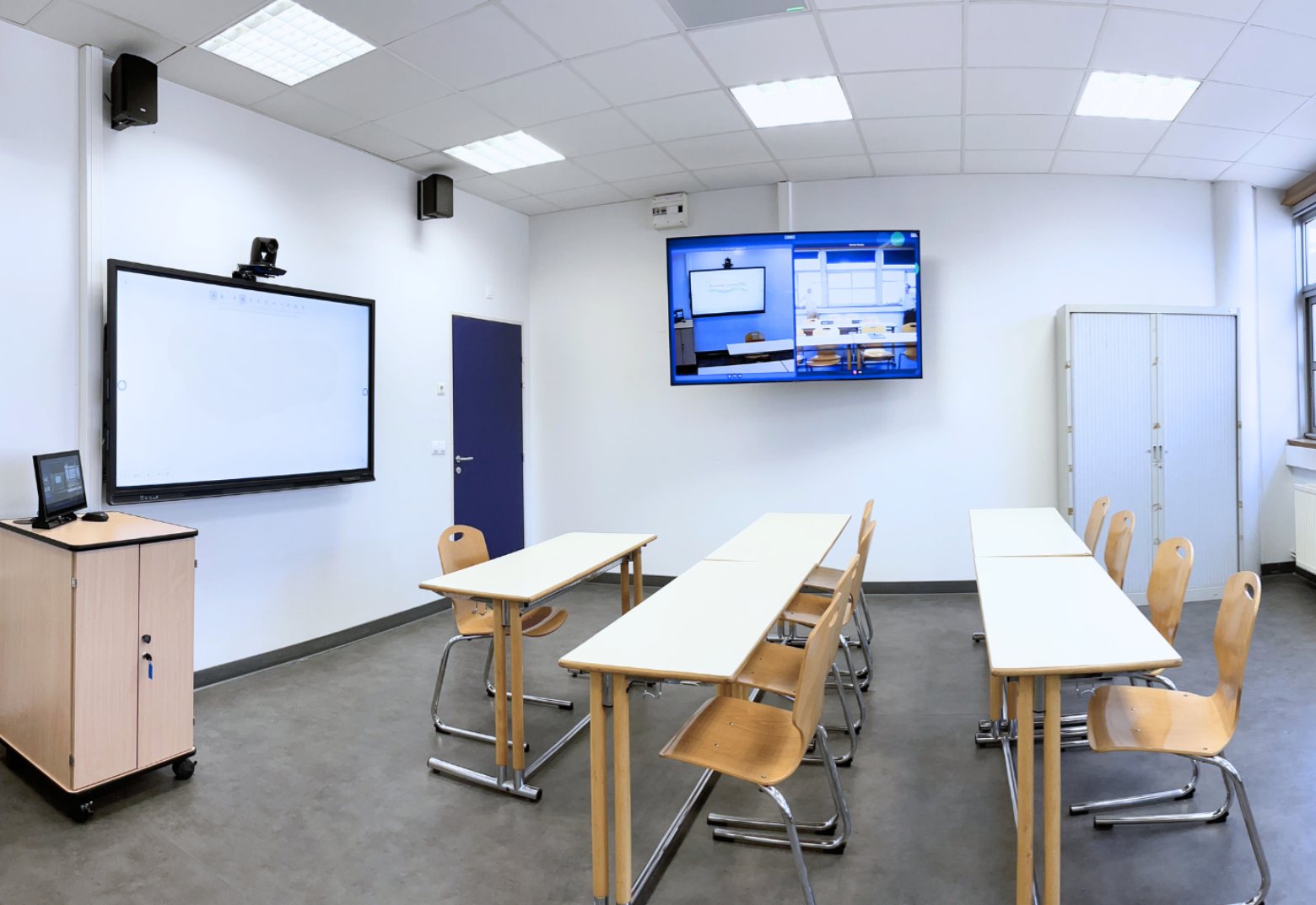
For optimal use, it’s advisable to install a simple control screen in the room. This screen lets the instructor or a technician adjust the camera’s zoom and orientation in real time, based on the specific needs of the class and the instructor’s habits. This flexibility ensures that remote learners’ view is always optimized, for an immersive learning experience.
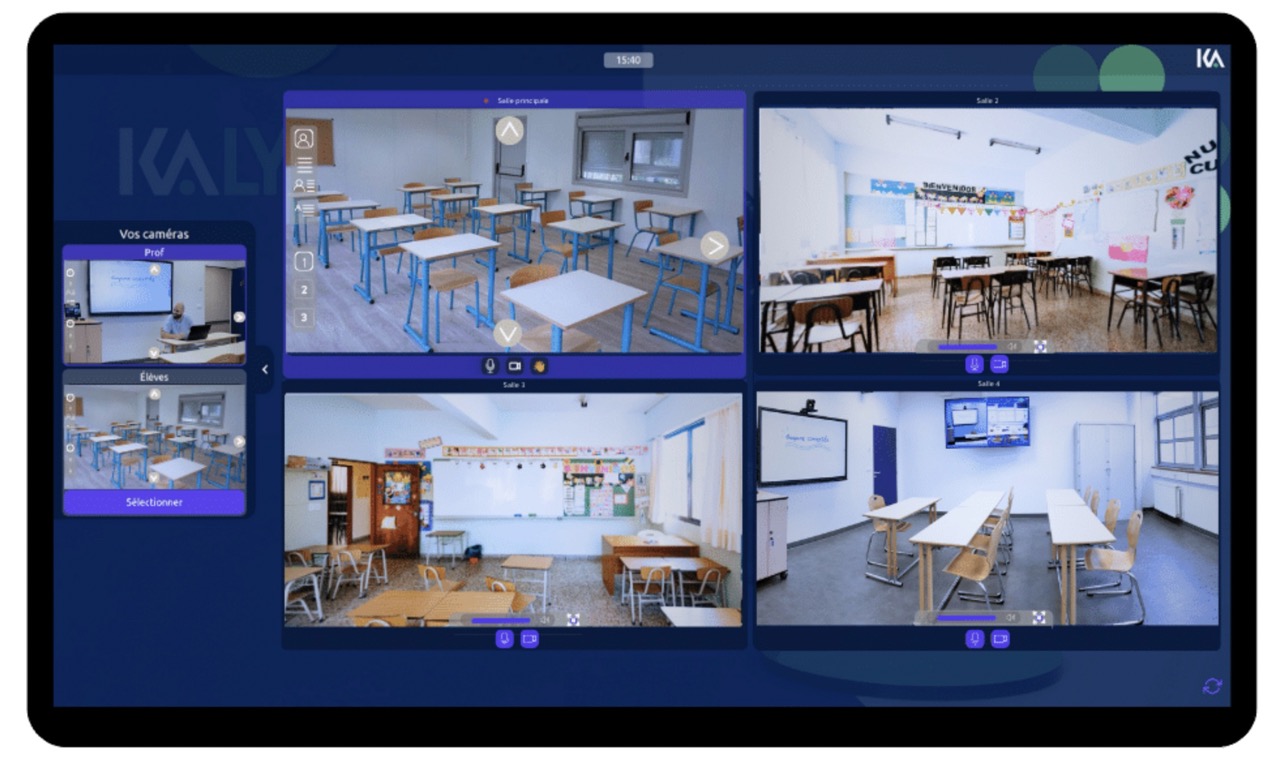
In addition, a second camera can be installed at the front of the room. This camera is meant to film all the participants present, capturing the group’s interactions and reactions. This wide view enriches the experience for remote learners, helping them feel more involved and connected to the classroom.
Camera recommendations:
At the front of the room (student view): AVer VB350 wide-angle camera: Ideal for capturing the whole classroom, thanks to its wide angle, this camera ensures that interactions between in-person and remote students stay visible.
At the back of the room (teacher view): AVer PTZ310N camera: This PTZ camera offers excellent image quality and flexible movement, letting it follow the teacher wherever they go in the room.
Adding a document camera
To convey more technical or precise material, such as non-digital documents or diagrams, or demonstrations of specific gestures, adding a document camera to your hybrid classroom equipment is worth considering. This device captures physical objects or documents in high definition and streams them in real time to learners, whether they’re present in the room or connected remotely.
The document camera, also known as a visualizer, is an extremely versatile tool in a teaching context. It lets the instructor show fine details that wouldn’t be visible through a standard PTZ camera. For example, when presenting a complex diagram, a science experiment, or even demonstrating manual techniques, the document camera provides a clear, precise view. The images it captures can also be displayed in the room, for better visibility for in-person learners too.
2. Collaboration and communication technologies
Hybrid classroom equipment needs to support collaboration. Tools such as interactive whiteboards and screen-sharing software make real-time interaction easier — essential in a blended learning environment. Built-in video conferencing systems allow for a smooth connection with remote participants.
Remote learners need to be able to collaborate and interact with the class. Several tools and pieces of equipment can be set up for this.
Modernizing the learning experience: moving from the traditional board to the interactive screen
As part of your room renovations, and for an optimal HyFlex experience, it’s crucial to modernize your presentation and communication tools. Replacing the traditional board with an interactive screen is an important step in this process. These interactive screens (or interactive projectors) give your learners, whether remote or in person, a much better-quality experience.
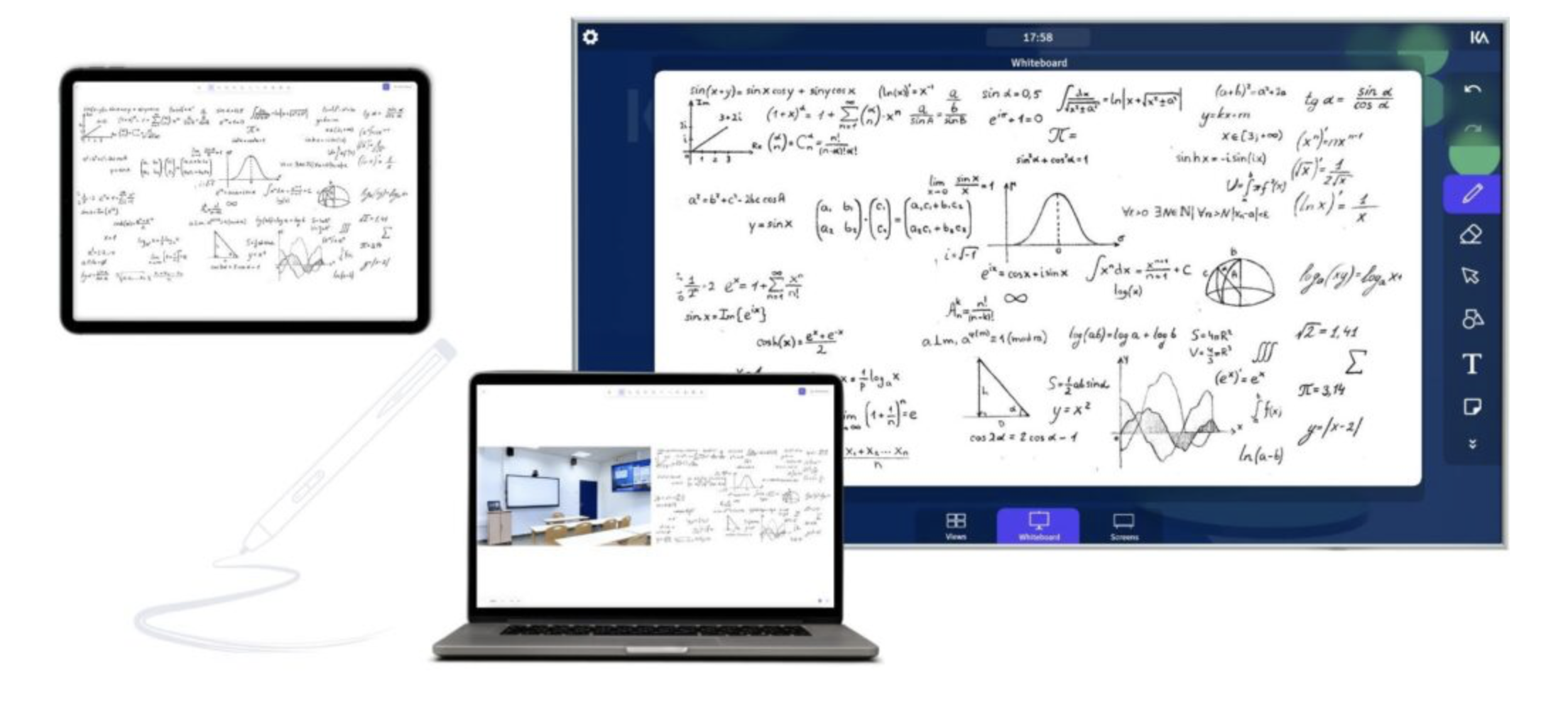
These devices, connected to the room’s management system, allow annotations and course content to be streamed to remote students in real time. Using an interactive screen not only makes it easier for learners to read the materials, but also makes sessions more engaging and interactive, both for those in the room and those attending remotely.
To go further, Kalyzée offers to integrate a shared collaborative whiteboard into your Android interactive board, which can be used both by the instructor and by remote learners, who can collaborate on it live!
Using interactive teaching tools
In the age of digital education, interactivity is key to engaging learners. Working with instructors and instructional engineers to draw up a list of interactive tools is essential. Polls, questionnaires, multiple-choice quizzes… each tool has the potential to turn a traditional class into a dynamic learning experience. Ongoing technology watch is needed to determine which tools will be natively integrated into your teaching environment. It’s also crucial to set a budget for integrating and implementing these tools. This strategic planning ensures that hybrid teaching is both interactive and financially viable.
Optimizing communication
Communication is vital, especially in remote learning. Isolation and lack of communication are major challenges for remote learners. To address this, optimize your hybrid classroom infrastructure from the outset. During class, it’s important for remote learners to be able to interact as if they were physically present in the room. Integrating a chat system is a good start, but go further by including a confidence monitor. This screen will display remote learners who choose to turn on their camera, creating a more personal, direct connection with the class. This screen creates a genuine sense of presence and fosters a sense of belonging, essential for an immersive, interactive learning experience.
3. A robust internet connection and network infrastructure
The key to an effective hybrid training room lies in a robust internet connection and reliable network infrastructure. Whatever communication method you choose, whether live streaming or video conferencing, solid infrastructure is essential. A high-speed Wi-Fi connection combined with reliable network cabling is essential for maintaining seamless connectivity and smooth data transmission.
That said, it’s worth noting that even in areas with poor connectivity, innovative solutions exist. Take the example of Kalyzée in 2023, which took on the challenge of setting up interconnected hybrid classrooms deep in the Amazon. Faced with limited connectivity in the area, a satellite link was set up to overcome the low-bandwidth obstacle. The live-streaming systems were specially adapted to work effectively under these conditions. The result? HyFlex classrooms that today broadcast classes live from one secondary school to four other villages.
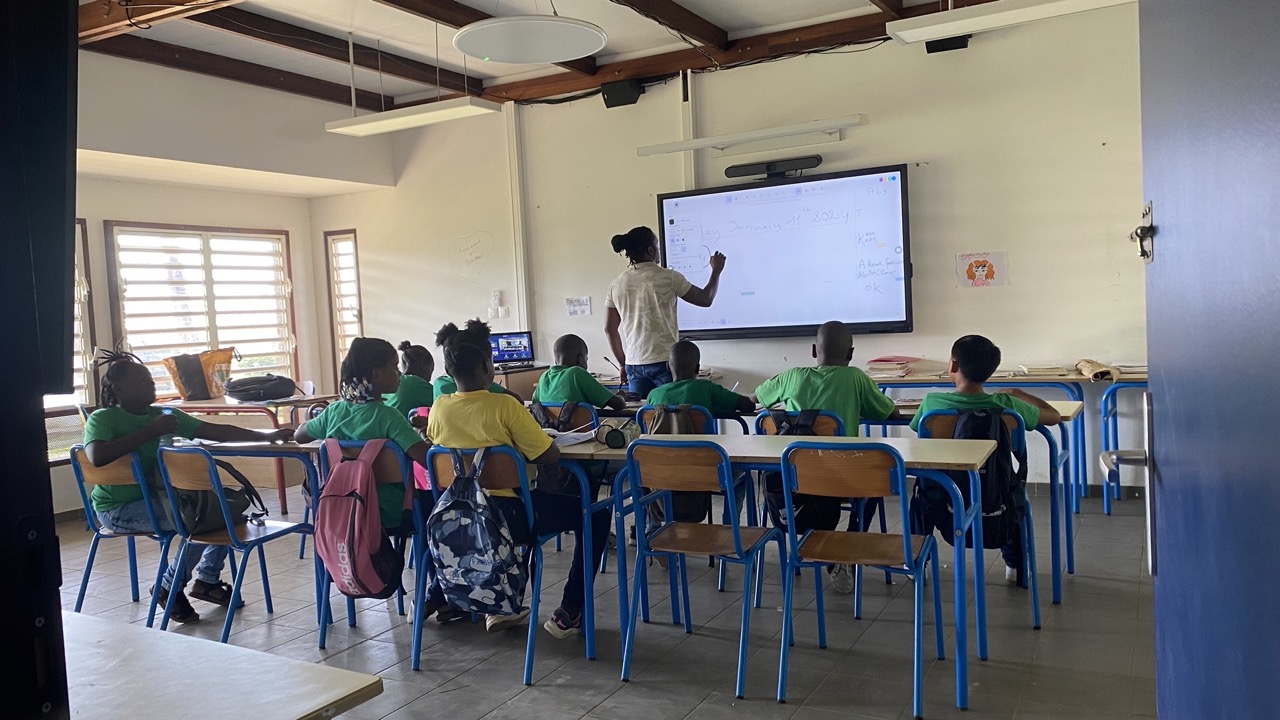
This example perfectly illustrates how advanced, creative technological solutions can overcome connectivity challenges, opening the door to education in regions that were previously out of reach. At Kalyzée, we firmly believe that every institution, wherever it’s located, can benefit from quality hybrid training infrastructure.
4. Ergonomic furniture and flexible layout
One of the pillars of modern teaching rests on the flexible layout of training spaces. For decades, institutions followed standards that are now being modernized to keep pace with how learning has evolved. In this context, more and more attention is being paid to creating spaces that combine comfort and adaptability.
Renovations to school buildings now widely embrace flexibility principles, with adjustable, modular furniture. This approach not only adapts to the varied needs of instructors and learners, but also encourages a more dynamic, interactive teaching style. From ergonomic chairs to modular desks, every element is designed to support an active, collaborative workspace.
Whether you’re building new or simply renovating, it’s important to consider all the future uses of your rooms. This means anticipating the various layouts needed for the different types of classes, workshops, or seminars that will take place there. For example, a room intended for interactive online classes will need a different layout than one for group workshops.
What will your hybrid room be used for?
This is a key question that will guide the choice of furniture and layout. Does the room need to support easy collaborative work? Does it need to adapt to theoretical training sessions or hands-on work? These considerations should guide the design of the space so it effectively meets the varied needs of hybrid teaching.
What teaching practices will be adopted?
This question is just as crucial. Laying out a hybrid classroom needs to account not only for current needs, but also for how teaching methods might evolve. For example, integrating technology such as an interactive whiteboard or a projector will require enough space for optimal use, while still keeping flexibility for other teaching activities.
In short, the equipment and layout of a hybrid training room need to be designed to encourage teaching innovation, while staying flexible enough to adapt to future developments in teaching.
5. Accessibility solutions and digital teaching tools
In today’s education landscape, the importance of accessibility can’t be overstated, particularly in hybrid training rooms. Ensuring accessibility solutions are in place for all learners isn’t just a necessity — it’s a commitment to inclusive, equitable education. This involves setting up digital teaching tools designed to meet the varied needs of learners, including those with special needs.
This can mean integrating screen-reading software for the visually impaired, captioning and transcription for the hearing impaired, or adaptive interfaces for students with motor difficulties. Likewise, digital teaching content needs to be designed in an accessible format, with clear visuals, readable text, and intuitive user interfaces.
Beyond meeting accessibility standards, these digital tools need to be flexible and customizable, so teachers can adapt them to their students’ specific needs. For example, options to adjust text size and contrast, or simplified interactive features, can greatly improve the learning experience for certain learners.
Integrating these accessibility solutions into hybrid training rooms isn’t just a technology question, but also a pedagogical one. It requires a deep understanding of the different ways students interact with digital content, and an ongoing commitment to ensuring every learner has the same learning opportunities.
6. Security and data management
Data security and equipment protection are crucial components when setting up a hybrid training room. Putting a secure access control system in place is fundamental to keeping equipment and sensitive information safe. This system controls who can access the room and its equipment, reducing the risk of theft or sabotage.
When it comes to data management, it’s strongly recommended to use French or European solutions where possible, in order to comply with the European Union’s strict data protection standards. These standards, such as the General Data Protection Regulation (GDPR), ensure responsible management and use of personal data — a particularly relevant point in teaching and training.
What’s more, robust data backup infrastructure is very important to prevent the loss of critical information. It’s essential to ensure that all teaching data — whether student work, course materials, or, above all, learners’ personal data — is stored securely and can be easily recovered in the event of an incident.
It’s also worth highlighting the existence of a dynamic ed-tech ecosystem, which lists all solutions related to technology in the education sector. This ecosystem offers a wide range of resources and tools, helping educational institutions find technology solutions suited to their specific needs, while complying with security and privacy standards.
7. Staff training and technical support
Successfully integrating sophisticated hybrid classroom equipment depends on a factor that’s often overlooked but essential: properly training staff and teachers. Experience shows that one of the main obstacles to successfully adopting technology in teaching isn’t so much the technology itself, but a lack of preparation and buy-in from end users — particularly instructors.
Too often, instructors end up with tools they neither chose nor asked for, which makes the digital transition harder. To avoid this pitfall, it’s crucial to involve instructors and other stakeholders from the earliest stages of the project. This not only helps ensure the selected tools meet their real needs, but also familiarizes them with these technologies from the start.
Proper training should cover not only the technical aspects of using the equipment, but also best teaching practices for making the most of it in a hybrid learning environment. This can include workshops on effectively using interactive tools, sessions on strategies for engaging remote students, and training on managing virtual classrooms.
What’s more, ongoing technical support is another essential pillar. Having cutting-edge equipment isn’t enough — you also need to provide fast, effective technical support to resolve any issues that come up. This means having a dedicated technical support team, able to step in quickly to minimize disruption and keep the learning environment running smoothly and effectively.
Your room renovation project with Kalyzée: HyFlex teaching within reach
Thinking about modernizing your training room to bring in HyFlex teaching? Look no further — get in touch with us at Kalyzée! With more than 10 years of experience, we specialize in designing audiovisual solutions dedicated to learning. At Kalyzée, we go beyond simple technical solutions: we offer tailor-made business solutions, perfectly suited to your requirements and your educational environment.
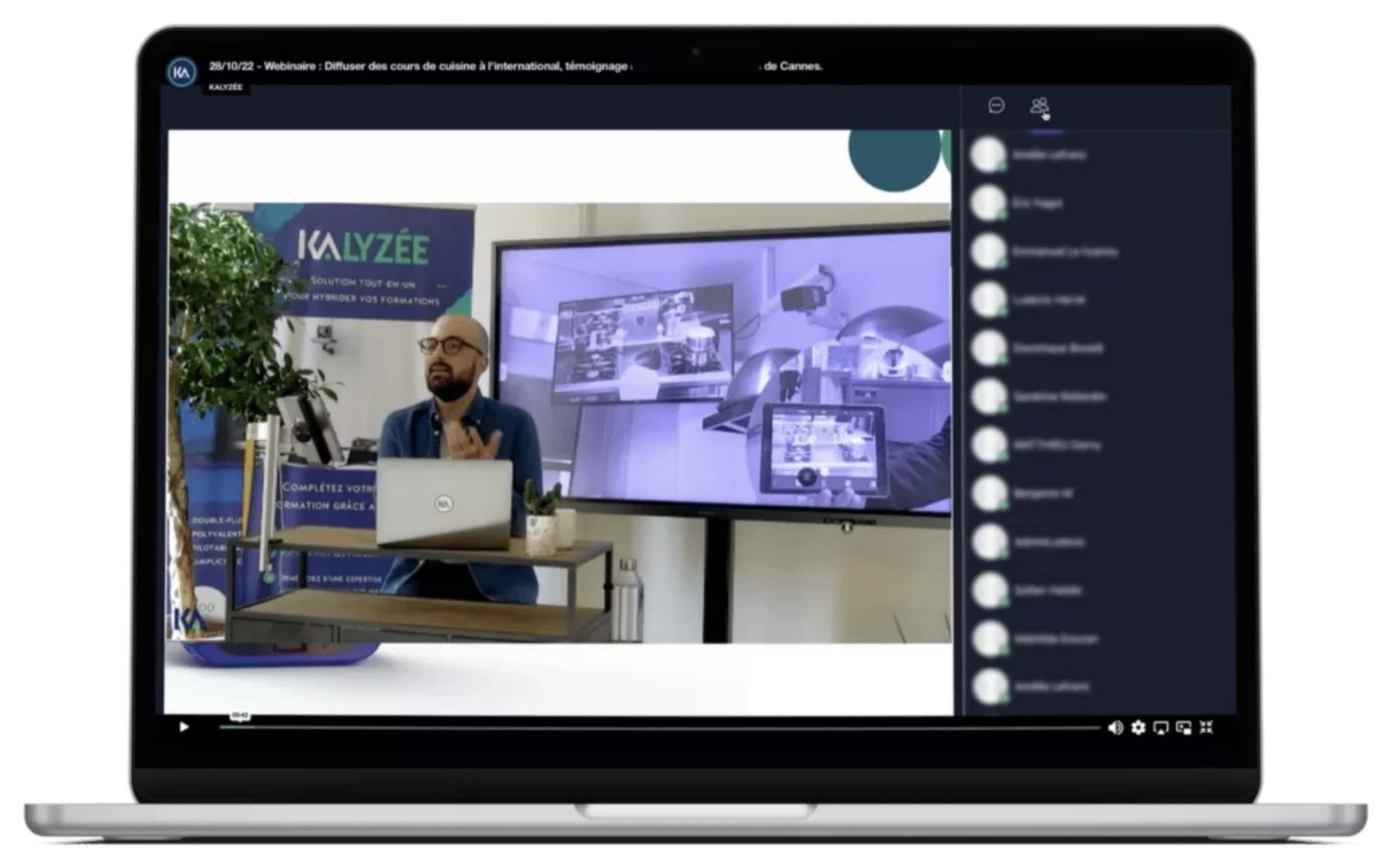
Our process starts with a detailed analysis of your needs. We understand that every project is unique, and our goal is to reflect that uniqueness in our approach. Once your needs and goals are clearly defined, we support you at every step of implementing your project.
This includes writing up detailed specifications, developing solutions specific to your context, integrating and automating the course-publishing process, and sourcing the equipment best suited to your project. We also provide a detailed installation diagram to hand off to your integrator.
We also help you choose your integrator, ensuring the hardware setup of your project goes smoothly. Finally, we provide the communication system best suited to your needs, ensuring your hybrid training room is not only equipped with the best technology, but also perfectly in step with your teaching methods.
With Kalyzée, transforming your training space into a state-of-the-art HyFlex environment is not only possible, but also smooth and tailor-made. Contact us today to start your journey toward innovative, interactive education!