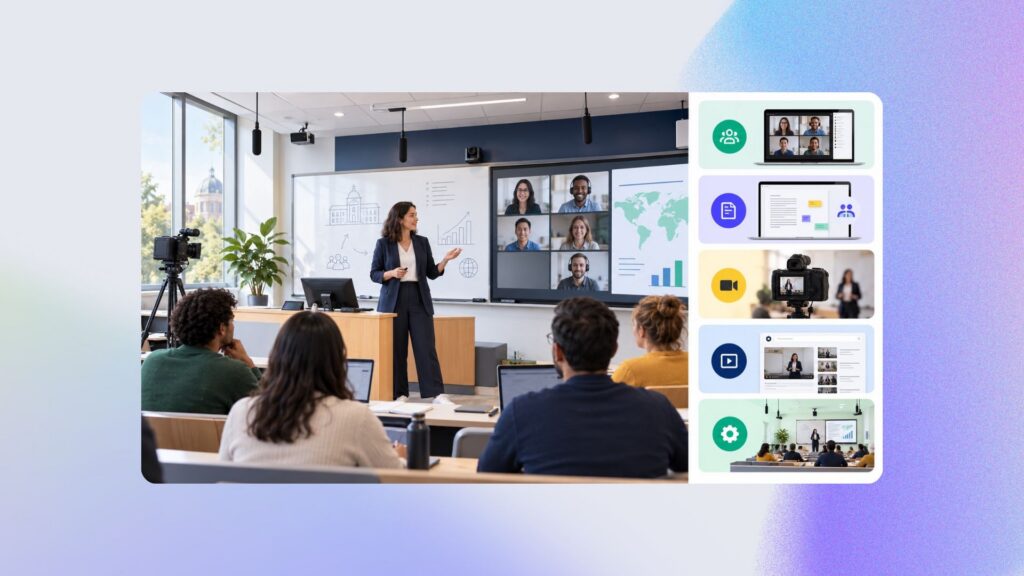

Faced with growing student passivity and a lack of interactivity in remote teaching, finding effective solutions has become essential. Active learning is emerging as a promising solution, capable of revitalizing online teaching and learning. This teaching model, centered on active learner engagement, could well be the key to transforming the remote education experience, making it more engaging and rewarding for everyone. At the end of the article, you’ll find 5 concrete activities to introduce in your upcoming classes if you want to move toward active learning.
Engaging your remote students through active learning

One of the main problems identified in remote teaching is student passivity. Isolated behind their screens, many struggle to maintain a level of engagement comparable to an in-person learning environment. What’s more, limited interaction between teachers and students, as well as between students themselves, seriously hampers the learning dynamic.
The four cognitive pillars of active learning
Active learning rests on four essential cognitive pillars:
sparking curiosity,
fostering engagement,
encouraging constructive feedback,
absorbing and then consolidating knowledge.
Through peer learning and engaging activities, this approach turns students from simple receivers of information into active participants in their own learning process.
Teachers shifting into a guiding role
The information age we live in has changed the traditional teacher-student dynamic. With information easily accessible online, the teacher’s role is shifting from holder of knowledge to guide facilitating learning. In this new paradigm, teachers are called on to design teaching scenarios that lead students toward success.
The importance of digital activities and feedback in active learning
Digital activities offer an effective way to carry out assessments and provide immediate feedback, which is essential for keeping students engaged. Feedback — whether in the form of encouragement, praise, or hints to avoid frustration — plays a crucial role in the learning process.
Maximizing interaction in remote teaching

Given the lack of interaction typical of remote teaching, it’s vital to put in place mechanisms that encourage regular exchanges. This can take the form of ongoing assessments, structured work programs, video calls, discussion forums, and even group work. Tools such as interactive H5P videos also enrich the experience by enabling immediate feedback based on student performance.
Asynchrony and adaptability as strengths of remote learning
Remote teaching offers the advantage of asynchrony, letting students work at their own pace. This flexibility, combined with well-designed formative assessments and the smart use of learning platforms like Moodle, can greatly improve the effectiveness of remote learning.
Peer assessment and points-based motivation
An innovative way to boost engagement and participation is peer assessment, complemented by a motivation system based on awarding points for active participation. This approach not only encourages collaboration but also fosters a supportive learning community.
A teaching revolution under way
Active learning in remote teaching represents a genuine teaching game changer, with concrete solutions for engaging students and interacting online. By focusing on student activity and reinventing the teacher’s role, this approach promises to open new paths toward more dynamic, interactive, and successful remote education. By applying the principles of active learning, remote teaching can not only match but potentially surpass the quality of in-person teaching, marking the start of a new era in education…
What if you got started with active learning too?
Kalyzée has put together a few ideas to help you get started with remote teaching that includes active learning.
| Activity | Tool | Prep time | Setup |
| Ongoing assessment via multiple-choice quizzes | Online learning platforms such as Moodle, Google Forms, or Quizlet. | 2 to 3 hours for a 20-question quiz. | Designing precise questions, automatic feedback, piloting with a small group of students or colleagues. |
| Analyzing and correcting last year’s exam | Shared documents (Google Docs, OneDrive) or an LMS for distributing exams and corrections. | 1 hour to prepare and digitize the exam, then 2-4 hours to write a detailed correction. | Selecting the exam, a model correction, an interactive review session. |
| Teamwork and group projects | Online collaboration tools such as Slack, Microsoft Teams, or Trello for project management, and Google Meet or Zoom for meetings. | 1-2 hours to define the project, create the groups, and prepare the necessary documents or guides. | Defining goals and roles, follow-up and support, assessment through self-assessment and peer assessment. |
| Feedback | Written comments via the LMS, video feedback through tools like Loom, or live feedback sessions using Zoom or Google Meet. | Varies by type. About 5-10 minutes per student for written feedback; 10-15 minutes per video for video feedback. | Planning feedback criteria, personalization, constructive dialogue with students. |
| Using interactive videos | H5P or Edpuzzle to create interactive videos with embedded questions. | 3 to 5 hours to create, plus 1 hour for testing. | Creating videos with embedded questions, testing the video under different conditions. |
To learn more about remote teaching and the teaching techniques to adopt, we recommend this ebook.
Sources: this article was inspired by the FIED thematic conference sessions of March 28, 2024