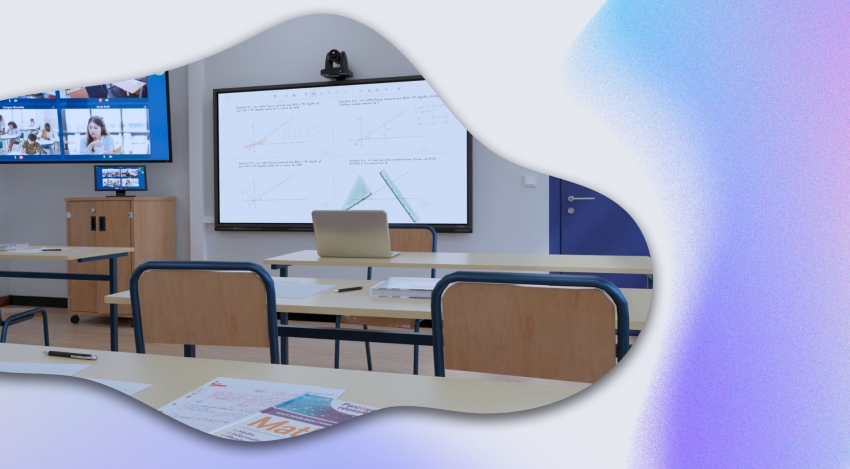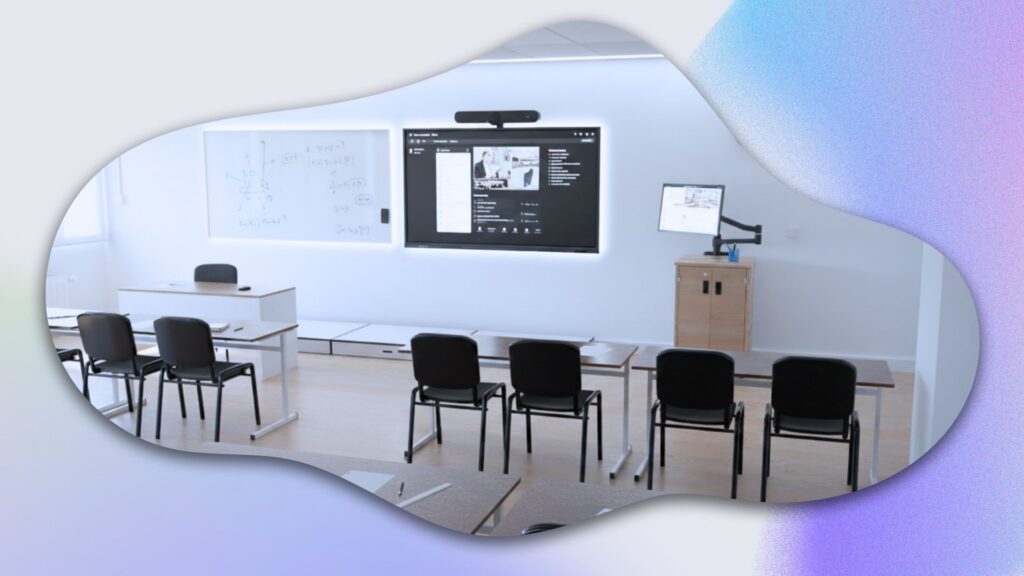
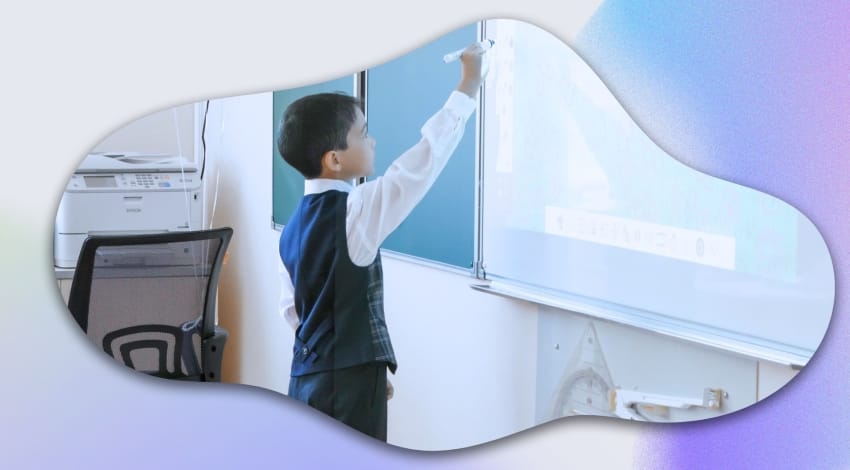
Looking for innovative ways to bring your lessons to life with an Interactive Whiteboard (IWB)? You’re in the right place!
First of all, it’s worth pointing out that there are several types of IWB used in schools. First, interactive projectors, controlled with a mouse or a stylus. These devices are used together with a computer that manages the content.
Second, interactive touchscreens or touch-enabled IWBs are favored in schools. They’re better suited to young pupils who still struggle to handle a stylus, but above all, they come with their own built-in computer, avoiding time-consuming cabling.

The introduction of the interactive whiteboard in primary schools reflects the Ministry of National Education‘s push to roll out digital learning technologies. Enough definitions — here are ten inspiring ways to use an IWB to enrich your teaching methods and capture your students’ attention.
1. Write and annotate
The IWB replaces the traditional blackboard. Write and sketch out your lessons using the supplied stylus. Annotating documents live, filling in diagrams, or correcting digital exercises becomes child’s play.
The bonus with an IWB: save your lessons in digital form right after a session, then share them online! That way, all your students can access more resources, for revision for example. It’s also very useful for students who are absent or attending remotely.

2. Display multimedia content
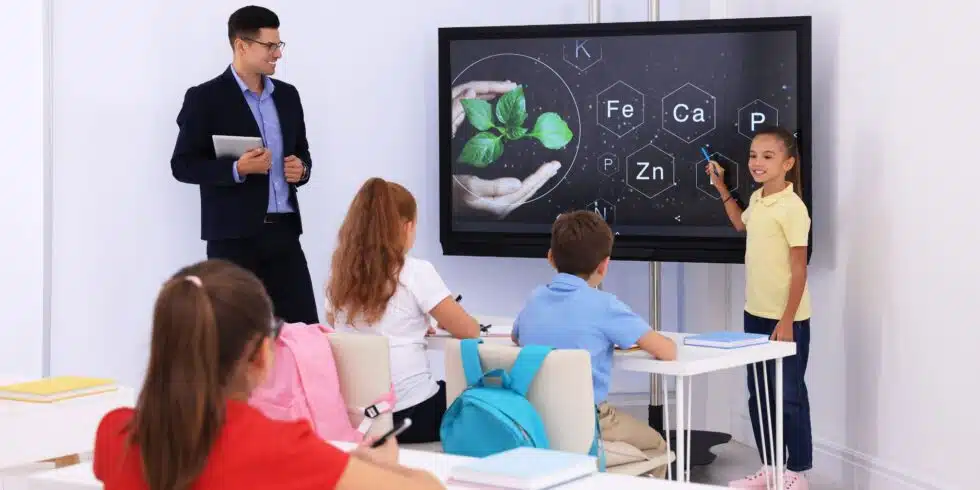
Display videos, images, and PowerPoint presentations directly on the IWB. This makes your lessons more visual and engaging, helping students understand better.
What’s the difference from a regular projector? So far, not much. But several apps let you share content and annotate it directly on screen. And once again, everything can be saved!
3. Use a document camera
Connect a document camera to display objects live. A document camera is a small camera placed on a desk, usually connected via USB, used to film a document or a hands-on demonstration. Whether you want to show artistic techniques or hands-on materials, a document camera makes your lessons more interactive.
For example, during a physics class, the teacher can show students how an electronic device works without having to walk around the room! Like the IWB, the document camera is a genuinely valuable teaching tool for your classroom.
4. Bring in web resources
Browse the internet directly from the IWB to show relevant educational websites. Check the spelling of a word, explore a map, or look at current events with your students.
Show your students how to do research online, find information for themselves, and avoid traps and misinformation by demonstrating it live! It’s important to familiarize students with the digital environment right from the classroom, and the IWB is an excellent way to naturally bring in digital learning tools.
5. Collaborate in real time
Let students collaborate in real time by sharing annotations, diagrams, and notes instantly on the IWB. This makes lessons more dynamic and participative.
Many regions have decided to roll out tablets in the classroom. If your institution is one of them, know that there are whiteboard apps that let everyone collaborate together live on the same IWB. That way, students can, from their tablet, answer a question, take part in the presentation, or even share their homework on the board!
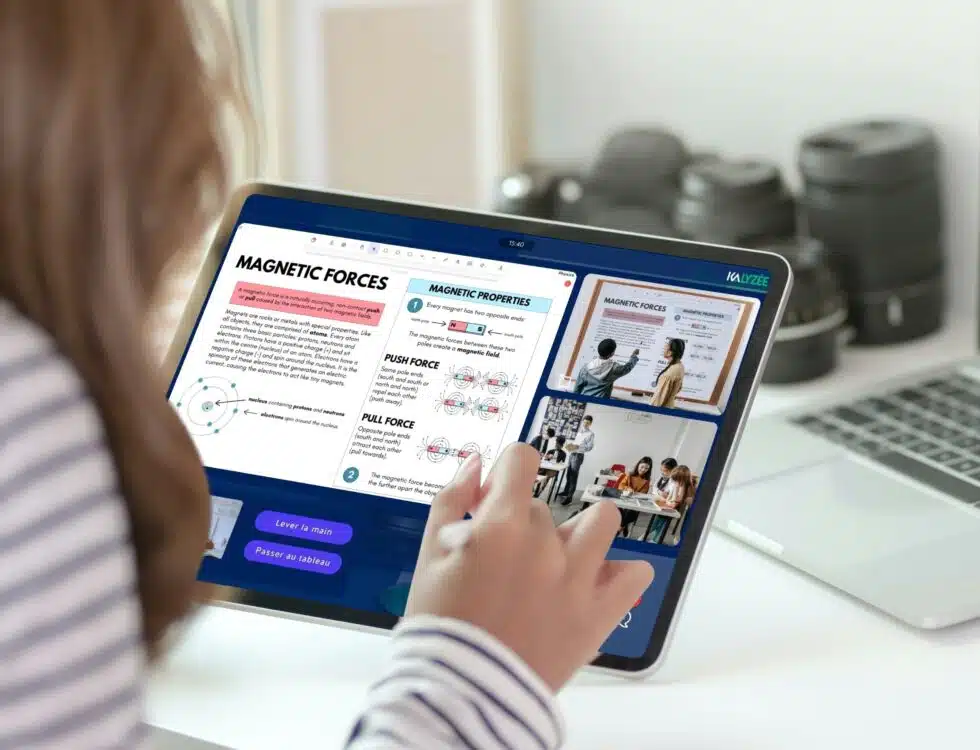
For this, the Whiteboard app, available on Android IWBs and tablets, lets you do all of that at once!
6. Use whiteboard apps
Every IWB comes with a native whiteboard app. If that’s not enough, download other apps such as Whiteboard to get extra features like math tools and live collaboration.
Note: to be able to add apps to your interactive screen, choose an open operating system, such as Android or Windows!
7. Display student work
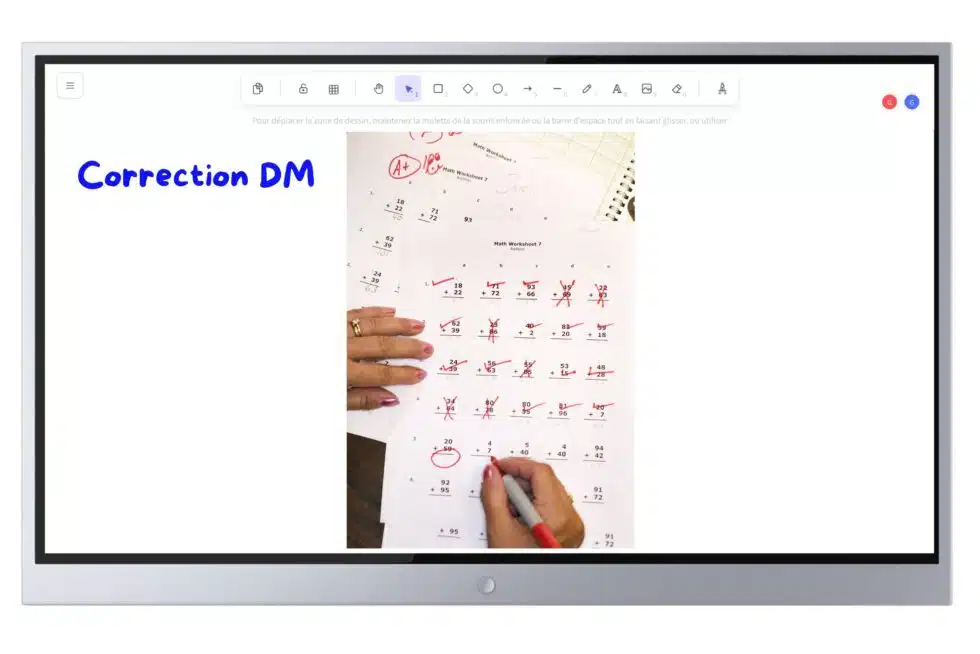
Display students’ work so they can explain their approach and get feedback in real time. This practice encourages participation and collaboration among learners.
To do this, use a document camera or simply import a photo onto the IWB.
8. Create interactive slideshows
Use presentation software to structure your lessons. Add interactive elements and ask questions to spark interest and discussion. Encourage students to create their own content.
Have you heard of Genially? This teaching tool is really interesting. It lets you create interactive slideshows with hidden information to uncover step by step! Create, for example, escape games to do in class or at home!
9. Use PDF documents
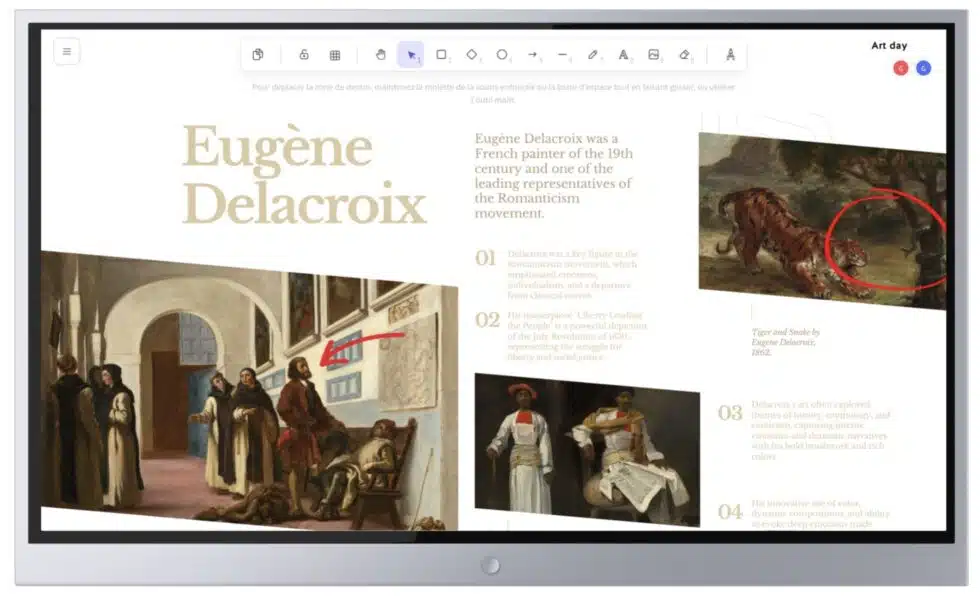
Display PDF documents to help students follow along with their work. While these documents aren’t interactive, they offer a clear, well-organized structure for lessons. Display texts or excerpts from textbooks, for example.
10. Energize learning with interactive activities
Use interactive resources available online to make your lessons more dynamic. Check out sites like Alloprof to find ready-to-use activities!
Bonus: what’s the right IWB for my school?
Kalyzée, an expert in ed-tech solutions, regularly advises schools on choosing this equipment to transform teaching practices. Here are the key criteria for choosing an IWB: screen size and resolution, touch sensitivity, software compatibility, advanced features, ports and connectivity, and ease of use.
And finally, here’s our favorite IWB for schools: the Newline Lyra, along with the Whiteboard app, developed specifically for primary and secondary schools, with content sharing, easy annotation, and even built-in math tools!